

Tinytag Explorer Software
€77.00 excl VAT
Tinytag Explorer software helps you configure compatible Tinytag loggers, download readings and analyse environmental conditions. View graphs and tables, compare monitoring periods and export data for conservation records and reports. Designed for Windows, with a site licence supporting multiple users at one location.
Description
Tinytag Explorer Data Logging Software
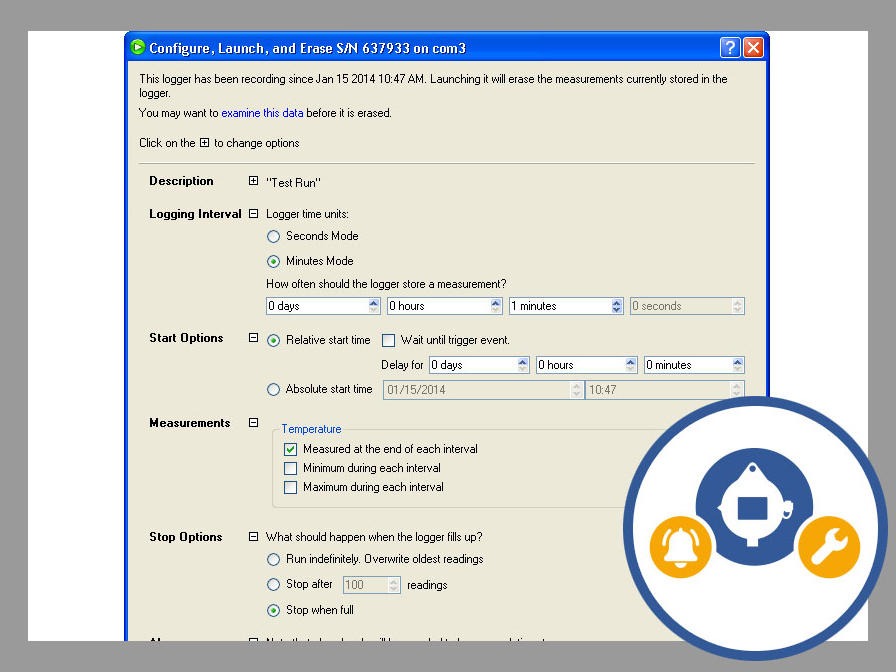
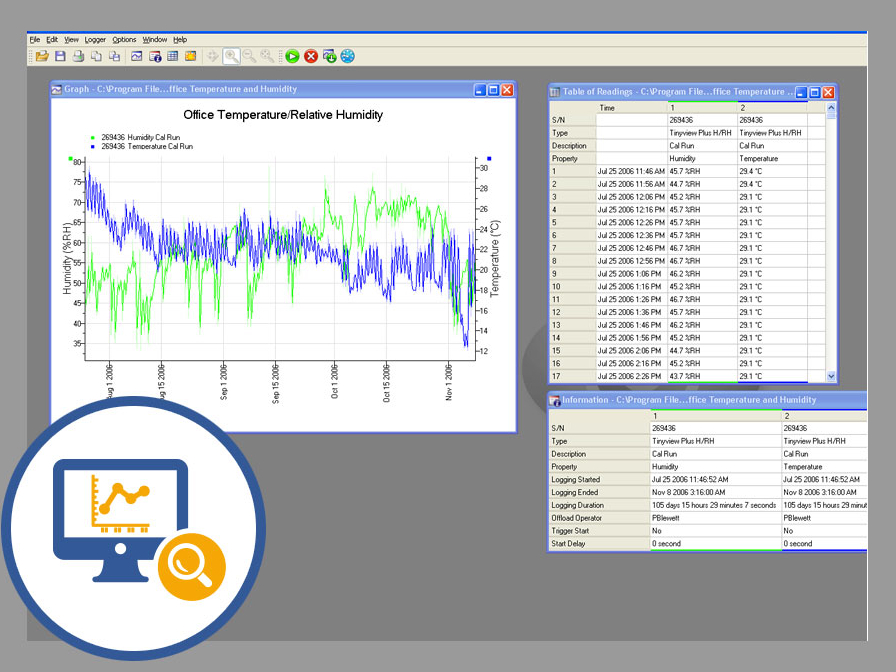
Turn your environmental readings into useful records with Tinytag Explorer software. This Windows-based program allows you to configure compatible Tinytag data loggers, download measurements and review results through clear graphs and tables.
For museums, galleries and archives, it provides practical tools to investigate temperature and humidity fluctuations, compare conditions across collection spaces and assess seasonal changes. Use your monitoring records to support preventive conservation decisions and document display and storage environments.
Key features
- Customise your monitoring: set recording intervals, alarm thresholds and names for each logging session.
- Review readings clearly: explore graphs and tables, zoom into specific periods and identify minimum and maximum values.
- Compare conditions: overlay recordings from different loggers or monitoring periods to investigate patterns.
- Export your data: save readings in Excel, CSV, XML or text formats for further analysis.
- Create report graphics: save graphs as images for conservation reports and presentations.
- Manage multiple loggers: configure, start, download and stop several connected devices using bulk controls.
- Share access within your organisation: the site licence supports multiple users at the same location.
- Plan maintenance: calibration reminders help you keep track of logger servicing requirements.
Compatibility: Designed for Windows 10 or 11. Tinytag Explorer Connect is the separate software option for Tinytag radio and LAN monitoring systems.
Related products
-

Testo Lux and UV probe for monitoring light
€390.00 excl VAT Add to basket -

Prosorb 500g Cartridge
€32.00 excl VAT Select options This product has multiple variants. The options may be chosen on the product page -

Testo 164H1 Data logger
€151.00 excl VAT Add to basket -

Testo Lux Probe
€260.00 excl VAT Add to basket